
📋 Player Warps
Player Warps
The player warp GUI is accessible with the /pw command. It allows players to browse and search public warps to find shops, farms, art galleries, and more!
You may also skip the navigation GUI and teleport directly to a pwarp that you know the name of with /pw [warpname].
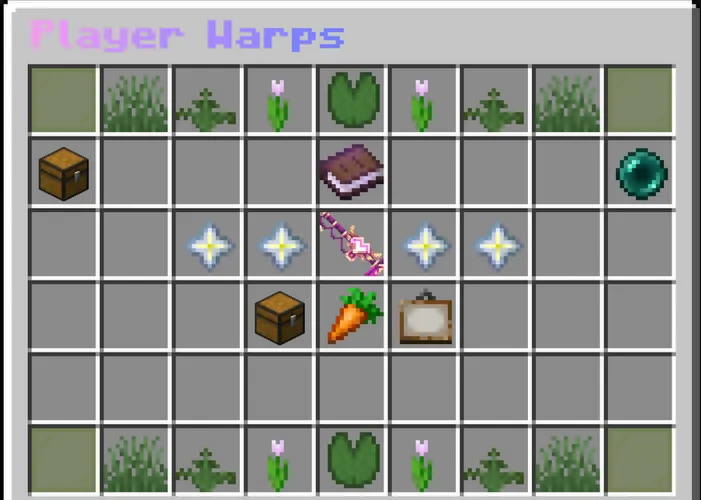
Player Warps GUI
The /pw navigation UI provides a convenient resource for the advertisement and access of player-created warps. It contains several key features:
- All Warps | Browse a list of all publicly available player warps
- Favorites | View your own personal collection of favorited pwarps
- Visited Warps | View a list of your last visted pwarps
- Categories | See a sorted list of pwarps based on if they are a store (chest), a farm (carrot), or an art display (painting).
- Advertising | Pay in-game money to advertise your warp on the front menu of
/pwfor up to 2 days!
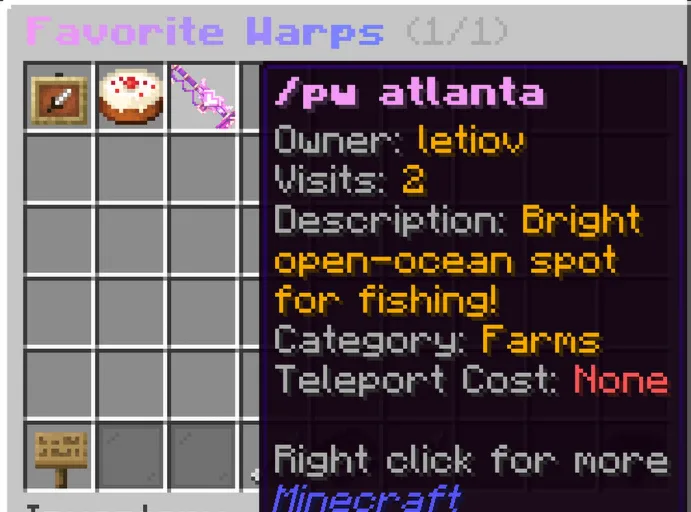
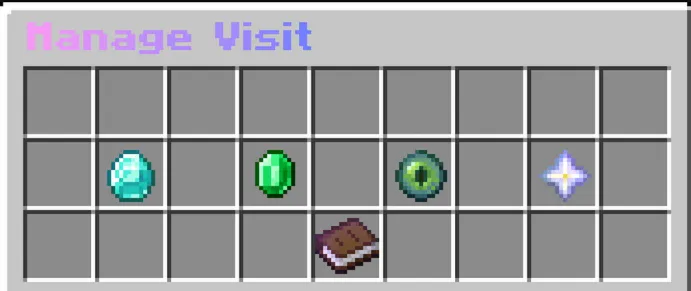
You can right-click on any of the warps displayed to favorite them, or even rate them from 1-5 stars!
Creating your own Warps
Having warps to go to requires someone to make them, right?
Once you’ve reached Quantum rank, you can create your own warp using /pw create [warpname].
After being set, your warp can be removed with /pw remove [warpname]
You are limited to one owned pwarp at first, increasing with rank as such:
- Quantum - Interlude | 1 PWarp
- Revelation - Stellaris | 3 Pwarps
- Cosmos - Serene | 4 Pwarps
- Singularity - Odyssey | 6 Pwarps
- Eclipsed | 7 Pwarps
- Maven | 16 Pwarps
A variety of additional commands can help you modify and publicize your warps. Some of the most used include:
/pw set [warpname]| Changes an existing warp to your current location/pw desc set/remove [warpname] [description]| Adds a description to your warp as viewable in the /pw menu/pw icon set/remove [warpname]| Sets the icon of your warp to the item in your hand, as viewable in the /pw menu/pw category set/remove [warpname] [shops/farms/art]| Adds or removes your warp from one of the 3 categories viewable in the /pw menu